How to Use Thirr.com Reviews to Avoid Travel eSIM Pitfalls
10/13/2026
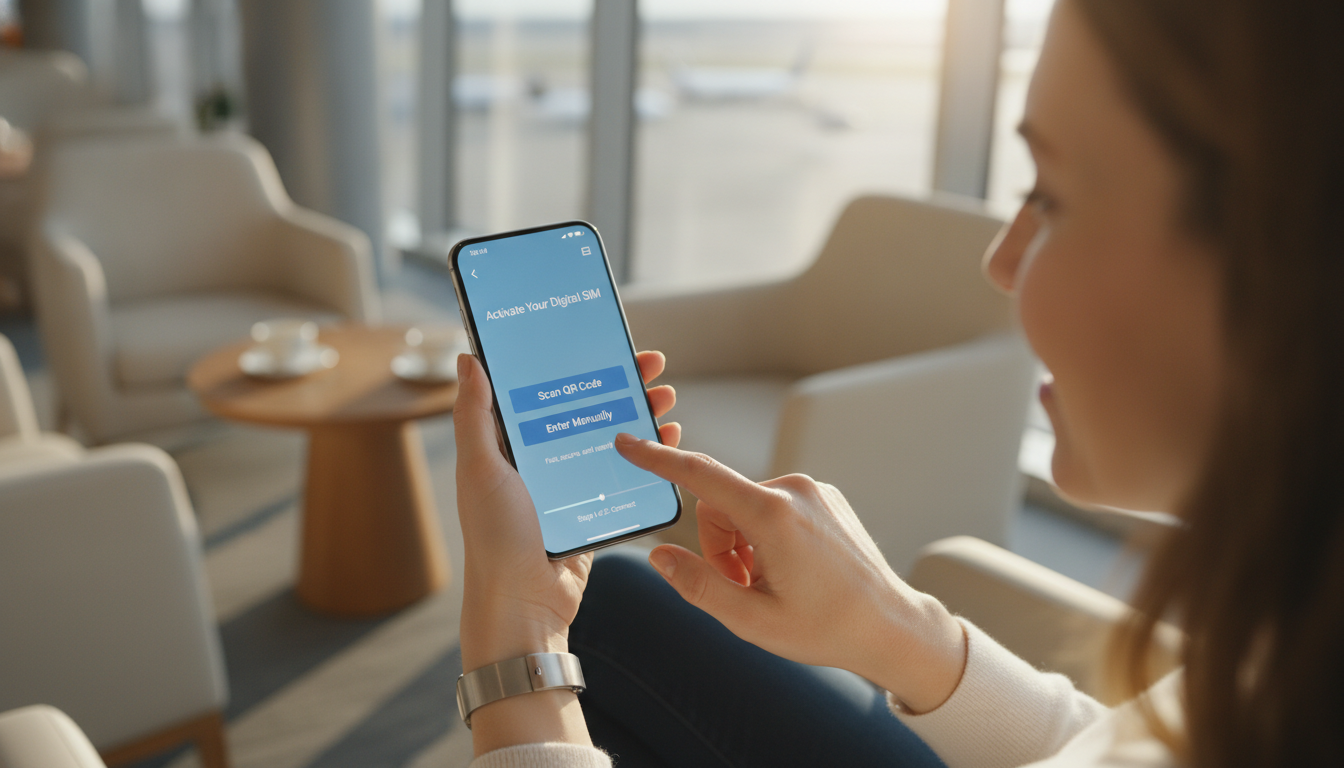
What You Need to Know Before Using Thirr.com for Travel eSIMs
If you’re thinking about using Thirr.com to buy a travel eSIM, the first thing to understand is that user experiences are mixed, and there are some important pitfalls to avoid. I always start by checking verified user feedback and service reliability before committing to any platform, especially when it involves prepaid data plans for travel.
Thirr.com promises competitive data plans for travelers, but the reality can be more complicated.
Many travelers look for straightforward, hassle-free activation and reliable connectivity abroad. Unfortunately, some reviews highlight issues with Thirr.com's service that can lead to frustration or wasted money if you’re not careful.
Let’s walk through the practical steps of using Thirr.com effectively, what to watch out for, and how to protect yourself from common traps.
Step-by-Step Guide to Buying and Activating a Thirr.com eSIM
Step 1: Research Your Destination and Plan Options
Before you even visit Thirr.com, identify your travel destination and how much data you realistically need. Thirr offers various plans tailored by country or region, but the details can vary widely.
For example, their Argentina eSIM starts at €3.99, which sounds attractive, but the actual coverage and speed depend on local networks.
Field observation: When a provider offers a very low starting price for an eSIM in a specific country, it often means the plan has strict data caps or limited network access. This mechanism leads to slower speeds or additional charges once you exceed the cap.
Step 2: Create an Account and Choose Your Plan Carefully
Signing up on Thirr.com requires providing personal information and payment details. Here’s where many users report confusion: the site may push subscriptions or add-ons during checkout that aren’t clearly explained.
Common mistake: Accepting automatic subscriptions or add-ons without reading the fine print results in unexpected recurring charges. The mechanism here is that the checkout process is designed to upsell by default, so if you don’t uncheck those boxes, you pay more than planned.
Step 3: Purchase and Download Your eSIM Profile
Once you purchase your plan, you’ll receive a QR code or activation link. The activation process depends on your phone’s compatibility with eSIM technology (Apple’s iPhone XS and later models support eSIM natively).
Field observation: If your phone is not fully eSIM compatible or locked to a carrier that restricts eSIM use, scanning the QR code will fail silently or produce an error message. This happens because the phone firmware checks for carrier authorization before accepting new profiles.
I always recommend verifying your phone’s compatibility beforehand — this is where guides like how to check if your phone is eSIM compatible come in handy.
Step 4: Activate Your Data Plan Before Traveling
Activation timing matters. Some users report that activating too early leads to plan expiration before arrival at their destination; others find activation too late means no coverage upon landing.
Field observation: Many travel eSIMs have a validity window starting from activation rather than purchase date. Activating immediately upon purchase triggers countdown of validity (e.g., 30 days).
If you activate days before travel, you lose days of coverage unnecessarily.
Step 5: Troubleshoot Connectivity Issues on Arrival
If your data doesn’t work as expected once abroad, check APN settings and ensure roaming is enabled on your device. Some users complain about poor customer support from Thirr when facing these issues.
Common pitfall: Assuming that an eSIM will work out of the box without manual configuration can lead to hours of lost connectivity. The mechanism is that some devices require manual APN input even after profile installation; failure to do so means no internet access despite active plans.
What User Reviews Reveal About Thirr.com Reliability
The overall reputation of Thirr.com is mixed at best. On Trustpilot and other review platforms, many users warn about deceptive practices and poor customer service:
- Several reviewers describe being pushed into unwanted subscriptions during checkout.
- Some report delays or failures in receiving activation codes.
- Complaints about customer support being unresponsive or unhelpful are common.
- Positive reviews often highlight competitive pricing but are fewer in number.
This pattern suggests a trade-off between low prices and service quality — a classic mechanism where budget providers reduce support capacity to keep costs down, which results in frustrated customers when problems arise.
How To Protect Yourself When Using Thirr.com
Verify Phone Compatibility Early
Don’t buy an eSIM without confirming your device supports it fully. Use tools like this compatibility guide to avoid wasted purchases.
Read All Terms During Checkout
Watch out for pre-selected add-ons or subscriptions during payment steps. Uncheck any options you don’t want explicitly.
Time Your Activation Carefully
Activate your plan as close as possible to your travel date to maximize coverage duration without losing days prematurely.
Keep Screenshots and Communication Records
If issues arise with activation or billing, having detailed records helps when disputing charges or requesting refunds.
Comparing Alternatives: Where Does Thirr.com Stand?
While I don’t recommend blindly trusting any single platform without research, it’s worth comparing Thirr.com with better-rated providers found on MyBestSim’s comparison tool. Providers like Roamic and Yesim consistently score above 4.5 stars with clear pricing and reliable customer feedback.
| Provider | MyBestSim Rank | Rating | Promo Code | Discount |
|---|---|---|---|---|
| Roamic | 1 | 4.9 | MYBESTSIM | -10% unlimited |
| Yesim | 2 | 4.8 | MYBESTSIM20 | -20% unlimited |
| Simbye | 5 | 4.3 | MYBESTSIM | -20% unlimited |
This table shows real offers verified by MyBestSim — a trusted source for travelers hunting down verified discounts on eSIMs worldwide.
What Makes an Effective Travel eSIM Service?
From my experience analyzing multiple providers, three key conditions define quality:
- Transparent Pricing: Clear upfront costs without hidden fees prevent surprises.
- Reliable Activation Process: A smooth QR code delivery and easy installation reduce stress.
- Responsive Customer Support: Quick help when things go wrong saves time and money.
Thirr.com struggles mainly with points two and three according to user feedback — which means if you choose them, prepare for potential troubleshooting yourself.
Final Advice: When To Use Thirr.com and When To Look Elsewhere
I’d advise against using Thirr.com if you prioritize hassle-free service backed by solid support — their user satisfaction ratings show notable gaps there. However, if budget constraints dominate your choice and you’re comfortable managing technical hiccups independently, their low starting prices might appeal.
For most travelers seeking peace of mind combined with good value, exploring options on MyBestSim’s platform will provide safer bets with verified discounts and better overall reputation.
In any case, always check your phone compatibility first — skipping this step is how many travelers end up with useless purchases despite promising offers from sites like Thirr.com.
For more practical tips on managing travel data plans effectively, including how to verify device compatibility before buying an eSIM, see this detailed guide. It’s crucial knowledge that can save you from common pitfalls encountered by many first-time users of travel eSIM services.
FAQ
How can I avoid unexpected charges on Thirr.com?
To avoid unexpected charges, carefully review the checkout process and uncheck any pre-selected subscriptions or add-ons. Thirr.com often includes automatic upsells that can lead to recurring fees if not disabled.
What should I check before buying a Thirr.com eSIM?
Before purchasing, verify your phone’s eSIM compatibility and research the data plan details for your destination. This helps prevent activation failures and ensures the plan meets your travel needs.
When is the best time to activate a Thirr.com eSIM plan?
Activate your eSIM as close to your travel date as possible. Early activation starts the validity countdown, which can cause you to lose coverage days before you actually need it.
What are common connectivity issues with Thirr.com eSIMs?
Common issues include needing manual APN configuration and ensuring roaming is enabled. Without these steps, your device might not connect even if the eSIM is active.
How reliable is Thirr.com customer support according to users?
User reviews often report poor responsiveness and unhelpful customer support from Thirr.com, which can make resolving activation or billing problems challenging.

David Mercer
David is a travel and consumer-tech writer focused on getting the lowest price on everything, data plans included. At Discount eSIM he hunts down the biggest verified discounts from the major providers and shows how to stack them at checkout.