How to Use Recopie iPhone Europe with eSIM When Traveling
10/7/2026
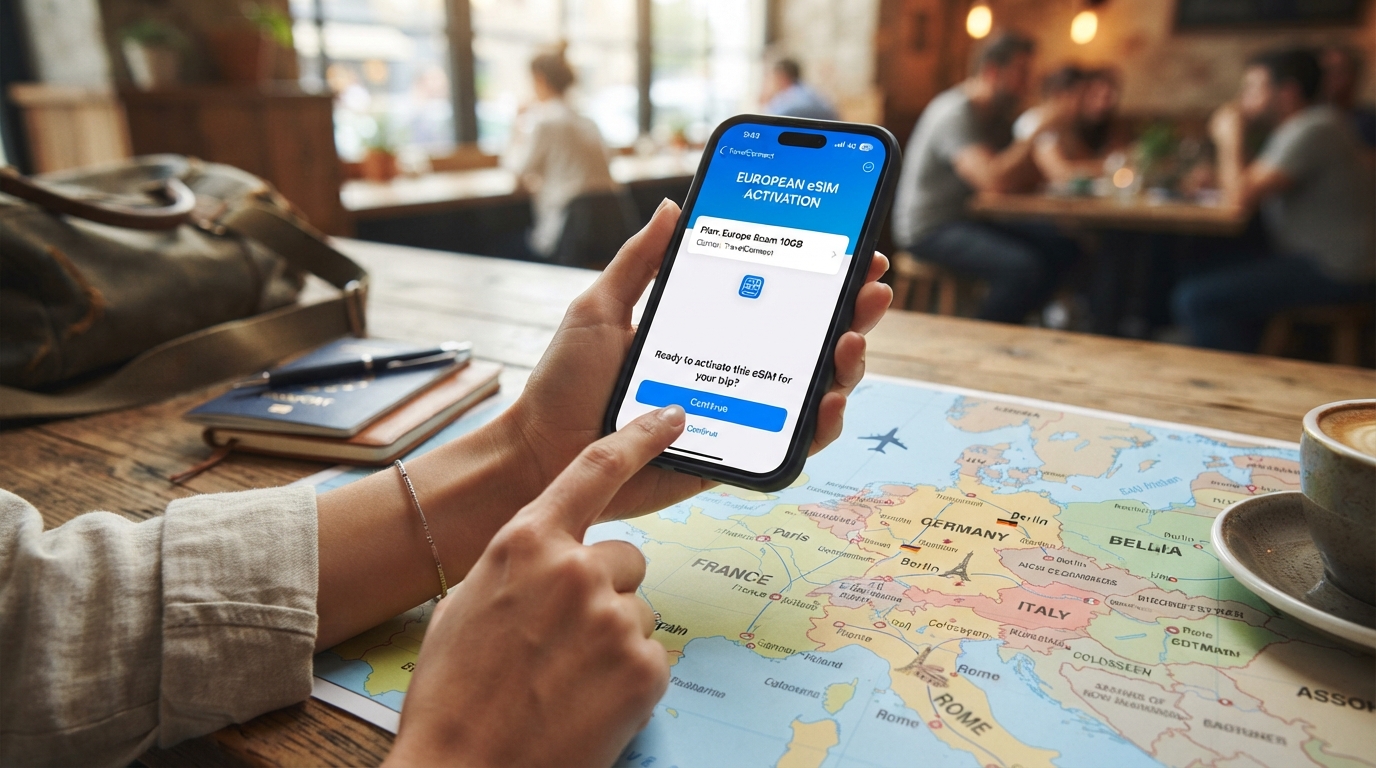
How to Safely Copy Your iPhone Data While Traveling Across Europe
Backing up or copying your iPhone data while traveling in Europe can be tricky if you don’t know the right steps and pitfalls. Whether you’re switching devices, resetting your phone, or simply want to secure your photos, contacts, and messages, doing it abroad requires a practical approach.
I always start by understanding the local network conditions and device compatibility because these factors directly affect how smoothly your iPhone backup or transfer will go.
European mobile networks often differ from those in the US or Asia, especially regarding eSIM services and roaming agreements. For example, Apple’s iOS 18 introduced new features for iPhone data transfer, but some functions like screen mirroring or direct device-to-device copying may still face regional restrictions or delays in rollout across the EU.
This means you can’t always rely on the same methods you use at home.
Here’s a step-by-step guide to copying your iPhone data safely while in Europe, with tips on avoiding common mistakes and understanding the technical landscape.
Preparing Your iPhone for Backup in Europe
Check Your Network and Storage Conditions
Before attempting any backup or data copy, verify your network connection quality. European carriers often support eSIMs with different provisioning standards governed by GSMA specification SGP.22, which impacts how quickly you can activate data plans for cloud backups.
If your connection is unstable or slow, backing up large photo libraries or videos to iCloud can stall or fail.
Also, check your available iCloud storage or local backup space on your Mac or PC. The standard iCloud free tier offers 5 GB, which fills up fast with photos and messages.
I’d advise against relying solely on iCloud if you have more than 10 GB of data to back up while abroad.
Use Local Backup Options When Possible
If you have access to a Mac or PC during your trip, using a wired backup via Finder (macOS Catalina and later) or iTunes (Windows) is more reliable than wireless options. The wired method avoids interruptions caused by unstable Wi-Fi networks common in hotels or public hotspots across Europe.
Beware that macOS Sequoia beta 2 currently has issues with iPhone screen mirroring and some backup features in the EU region due to regional software restrictions. This can cause error messages like “Screen mirroring not enabled” when trying to use AirPlay or device-to-device copy functions.
Step-by-Step Guide to Copying Your iPhone Data in Europe
Step 1: Secure Your Internet Connection
- Connect to a trusted Wi-Fi network with stable internet.
- Avoid public hotspots without encryption; they risk data loss or theft.
- If Wi-Fi is unreliable, consider activating a local eSIM data plan from providers like Roamic or Orange Travel using verified discount codes from MyBestSim for affordable connectivity.
Step 2: Choose Your Backup Method
You have three main options:
- iCloud Backup: Back up wirelessly to Apple’s cloud.
- Local Backup: Use Finder/iTunes on a computer.
- Third-Party Apps: Some apps specialize in transferring photos and contacts securely.
I always start by recommending local backups when possible because they avoid regional network constraints and ensure a full copy of all data types including messages and app data.
Step 3: Perform the Backup
- For iCloud, go to Settings > [your name] > iCloud > iCloud Backup > Back Up Now.
- For local backup, connect your iPhone via USB to your Mac/PC:
- On macOS Catalina+, open Finder and select your device.
- On Windows/macOS Mojave and earlier, open iTunes.
- Click “Back Up Now” ensuring “Encrypt local backup” is checked if you want passwords and health data saved.
Watch out for interruptions during backup; a sudden disconnection can corrupt files.
Step 4: Verify Your Backup Integrity
After backing up, verify that the backup completed successfully:
- In Finder/iTunes, check the timestamp of the last backup.
- For iCloud, confirm there’s enough free space and that the last backup date matches your session.
A common mistake is assuming a backup started means it finished properly—especially over flaky European Wi-Fi networks where uploads can stall silently.
Pitfalls When Using eSIM Services for Backup Connectivity in Europe
Regional Restrictions Affecting Data Transfer Speeds
European carriers often implement different throttling policies compared to US providers. For example, some eSIM plans limit high-speed data after certain thresholds (like 5 GB/day), which affects large cloud backups.
This throttling mechanism means if you start an iCloud backup late in the day after heavy usage, it may slow down dramatically overnight and fail to complete before morning.
Activation Delays With European eSIM Providers
Activating an eSIM from providers such as Simbye or BNESIM involves remote provisioning compliant with GSMA SGP.22 standards but can take from a few minutes up to several hours depending on network load and device compatibility.
I’d advise against waiting until the last minute before starting your backup if you rely on an eSIM for internet access during travel.
Software Compatibility Issues With macOS Sequoia Beta
The second beta of macOS Sequoia reportedly disables some iPhone screen mirroring features within the EU due to pending regulatory approvals. This also affects direct device-to-device copying tools that rely on AirPlay technology.
If you’re using a Mac running this beta version while traveling in Europe, expect possible error messages like “Screen mirroring not enabled.” The workaround is either reverting to macOS Ventura or using wired backups instead.
Managing Your Data Transfer Safely While Switching Devices Abroad
Using Official Apple Tools Versus Third-Party Services
Apple’s official tools like Quick Start allow seamless transfer between devices but require both devices to be physically close and connected via Bluetooth/Wi-Fi. In Europe, this may be hampered by regional software limitations mentioned above.
Third-party apps sometimes offer cloud-based transfer services optimized for European networks but watch out for privacy risks and hidden costs.
Legal Status of iPhone Copies and Cloning Services in Europe
If you searched for “the iPhone copy in Europe” or “the legal status of iPhone copies in Europe,” it’s important to clarify that cloning services or unauthorized replicas are illegal under EU intellectual property laws. Using such services risks personal data theft and voids warranties.
Stick strictly to official Apple methods or reputable third-party apps vetted for security compliance within the EU market.
Where to Find Verified eSIM Deals for Reliable Connectivity During Your Trip
Reliable internet access is crucial when backing up your phone abroad. MyBestSim ranks providers like Roamic (#1) and Orange Travel (#3) highly for their European coverage and unlimited plans with verified discount codes:
| Provider | MyBestSim Rank | Rating | Promo Code | Discount |
|---|---|---|---|---|
| Roamic | 1 | 4.9 | MYBESTSIM | -10% unlimited |
| Orange Travel | 3 | 4.7 | MYBESTSIM | -5% unlimited |
| Simbye | 5 | 4.3 | MYBESTSIM | -20% unlimited |
| BNESIM | 6 | N/A | MYBESTSIM | -30% unlimited |
Using these codes ensures you pay less while enjoying stable connectivity needed for backups without risking slowdowns typical of pay-as-you-go roaming plans.
For more detailed promo codes tailored for international travel connectivity, I recommend checking out discountesim.com’s promo codes page.
Backing up your iPhone safely while traveling across Europe demands attention to network conditions, software compatibility, and legal boundaries around device cloning. By prioritizing wired local backups when possible, securing reliable eSIM connectivity through trusted providers ranked by MyBestSim, and avoiding unverified cloning services, you minimize risks of data loss during your trip abroad.
FAQ
How can I back up my iPhone safely while traveling in Europe?
To back up your iPhone safely in Europe, use a stable Wi-Fi or a local eSIM data plan. Prefer wired backups via Finder or iTunes to avoid interruptions common with unstable hotel Wi-Fi. Always verify backup completion to ensure data integrity.
What are the main backup methods available for iPhone in Europe?
You can back up your iPhone using iCloud wireless backup, local backups via Finder or iTunes on a computer, or third-party apps designed for secure data transfer. Local backups are recommended to avoid network issues and ensure full data copying.
Why might eSIM activation delay affect my iPhone backup in Europe?
European eSIM activation can take minutes to hours due to GSMA provisioning standards and network load. Delays may limit your internet access, so activate your eSIM well before starting backups to avoid interruptions or failed uploads.
What issues does macOS Sequoia beta cause for iPhone backups in Europe?
macOS Sequoia beta 2 disables some iPhone screen mirroring and device-to-device copying features in the EU due to regulatory restrictions. This can cause errors like 'Screen mirroring not enabled,' so using wired backups or reverting to macOS Ventura is advised.
Are third-party iPhone cloning services legal in Europe?
No, unauthorized iPhone cloning or replica services are illegal under EU intellectual property laws. Using them risks data theft and voids warranties. Always use official Apple tools or reputable third-party apps compliant with EU security standards.

David Mercer
David is a travel and consumer-tech writer focused on getting the lowest price on everything, data plans included. At Discount eSIM he hunts down the biggest verified discounts from the major providers and shows how to stack them at checkout.